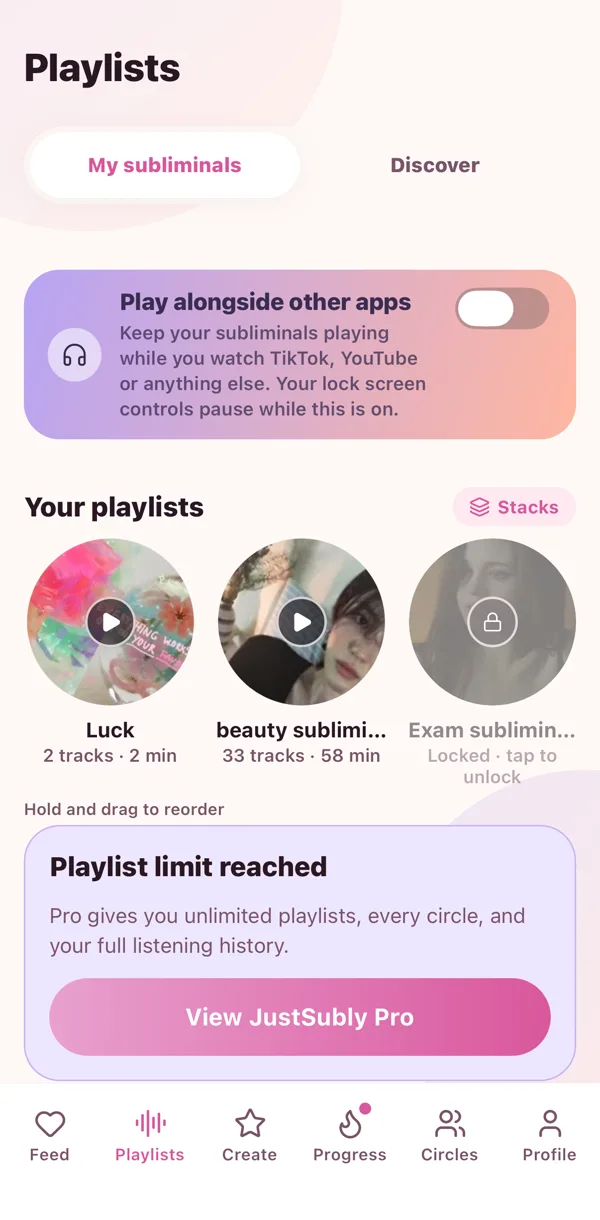
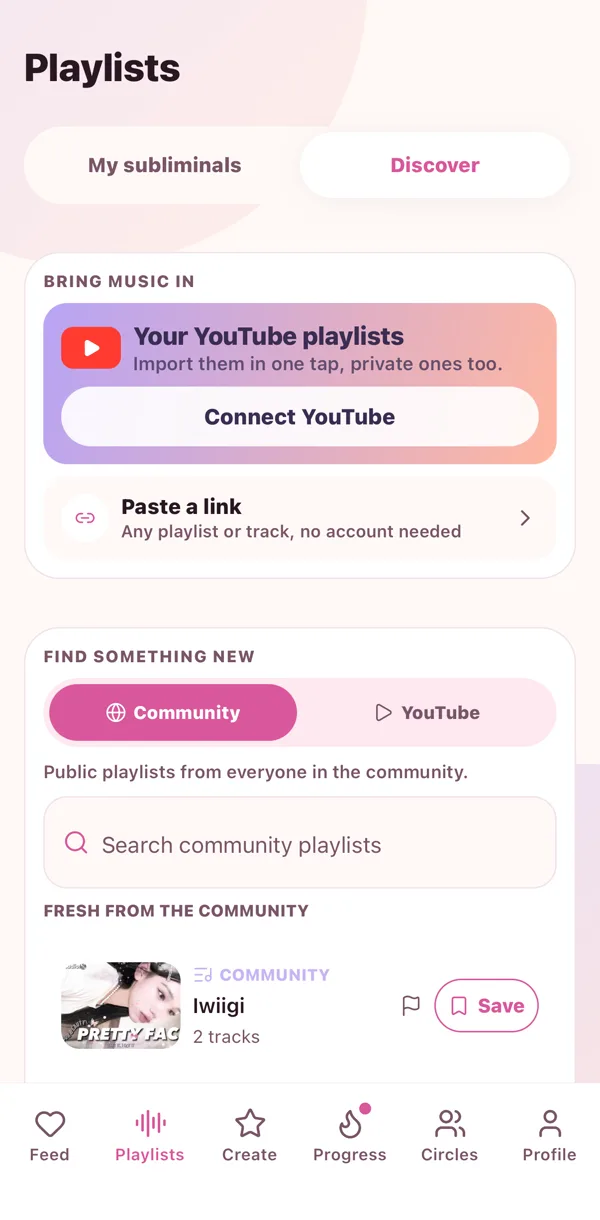
Playlists are your collections. A sleep one, a morning one, the one that makes you feel like her. They sit on a shelf at the top of the Playlists tab, and the newest one is always first.
Make one
- Go to Playlists and tap the plus.
- Name it something cute.
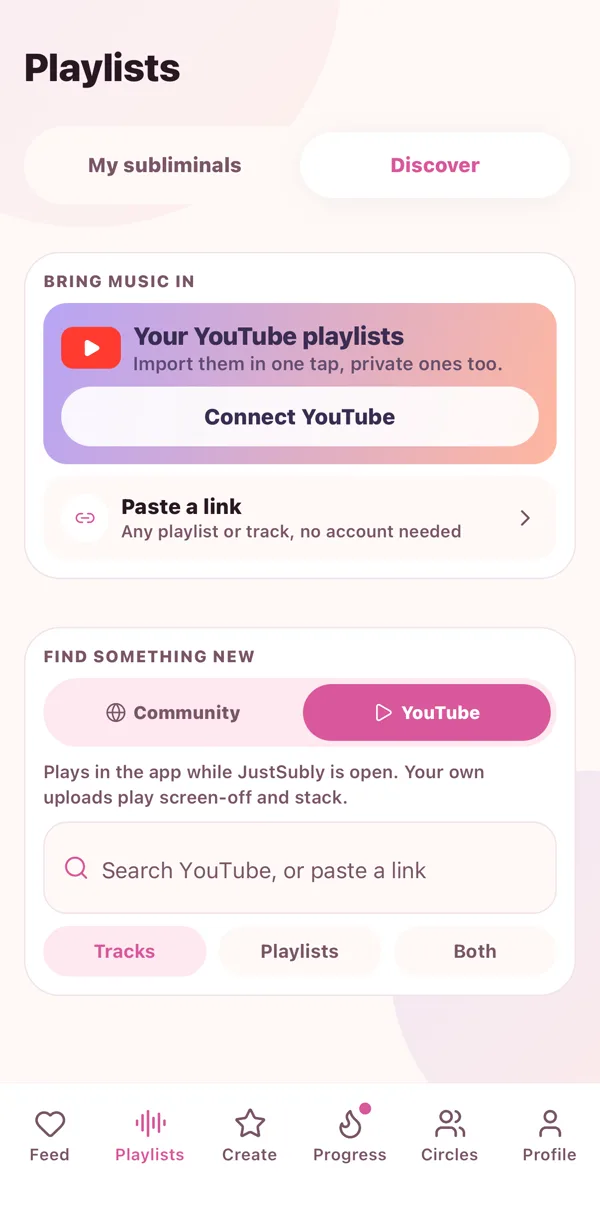
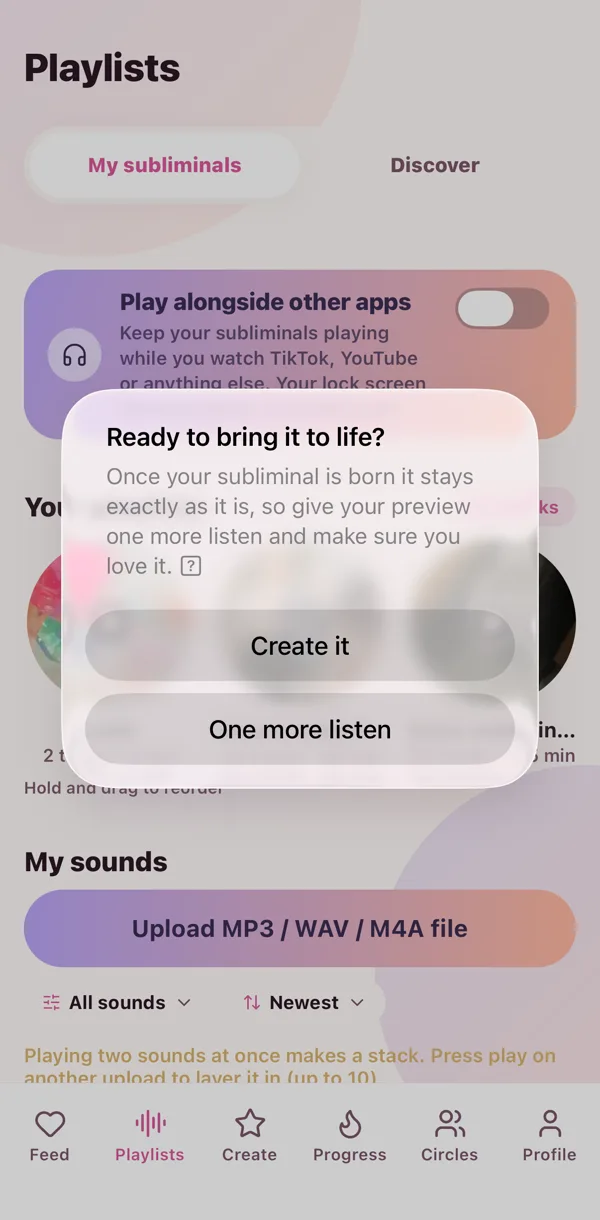
- Add subs from YouTube search, a pasted link, or your own sounds.
- Done. That is a playlist.
Put it in order
Hold a track and drag it. Same with the shelf: hold a playlist and slide it wherever you want it.
Play it your way
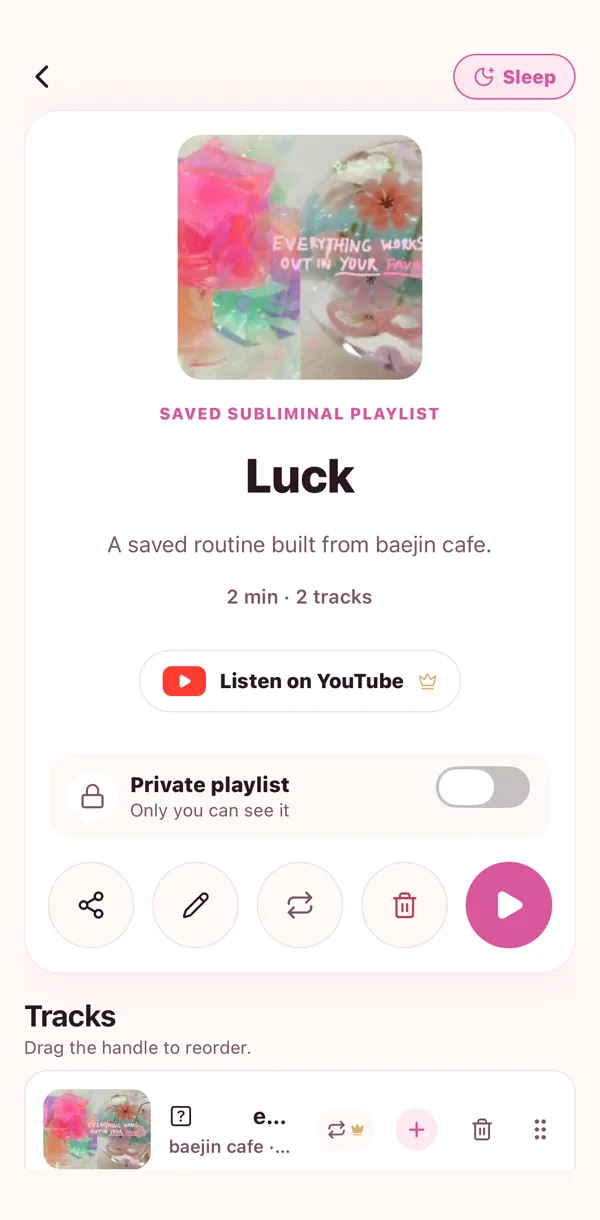
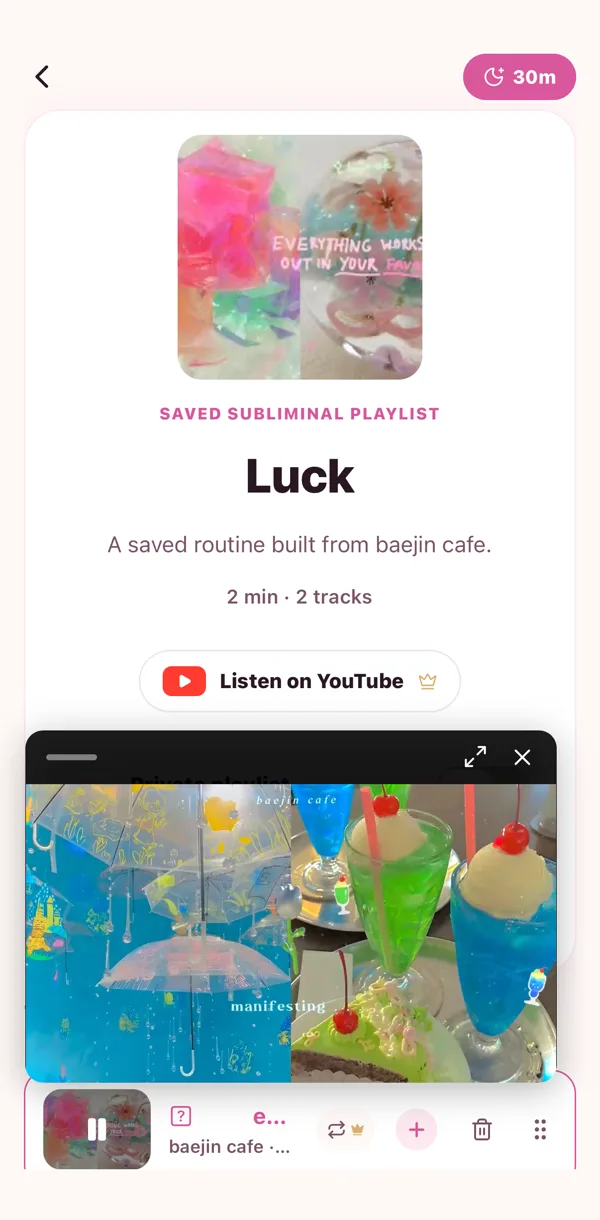
Big play button starts from the top. Then there is shuffle, repeat one, repeat all, and if you have Pro, counted repeats: play one sub exactly ten times (or 3, or 40) and watch the count tick down.
Send one to a friend
Open the playlist menu, tap Share, type their @. They get a little copy of their own to keep. Yours stays exactly as it is.
Make it public
Flip a playlist to public from its menu and it shows up in Community with your name on it. Playlists with your own uploaded sounds in them stay just for you.
 🔎
🔎 🎙️
🎙️ 🫶
🫶 ▶️
▶️