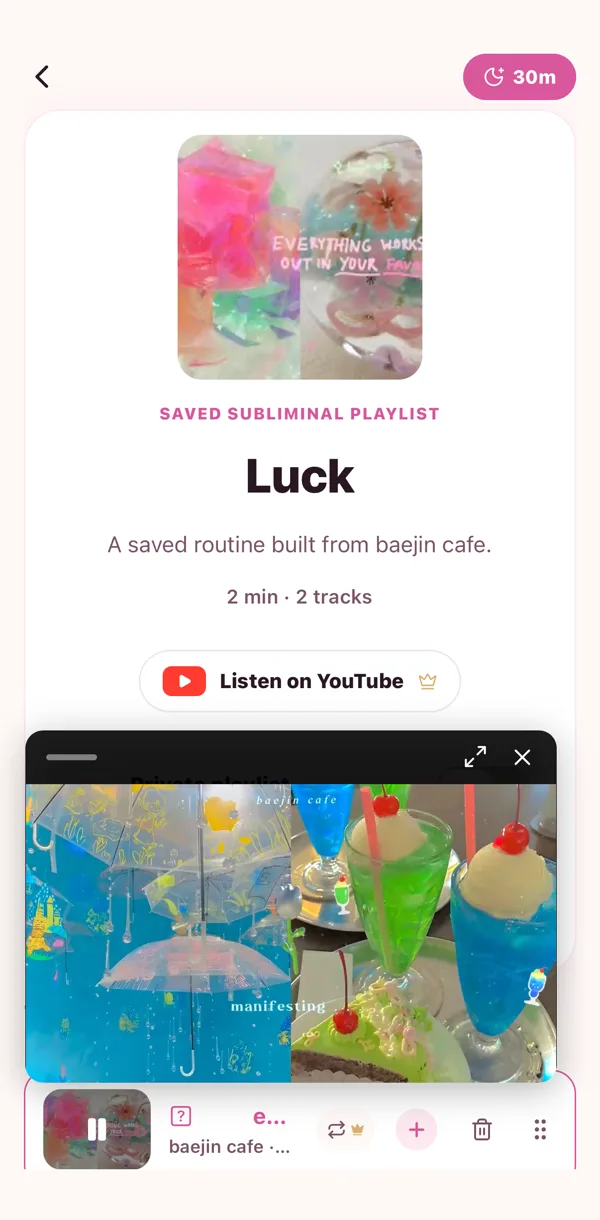
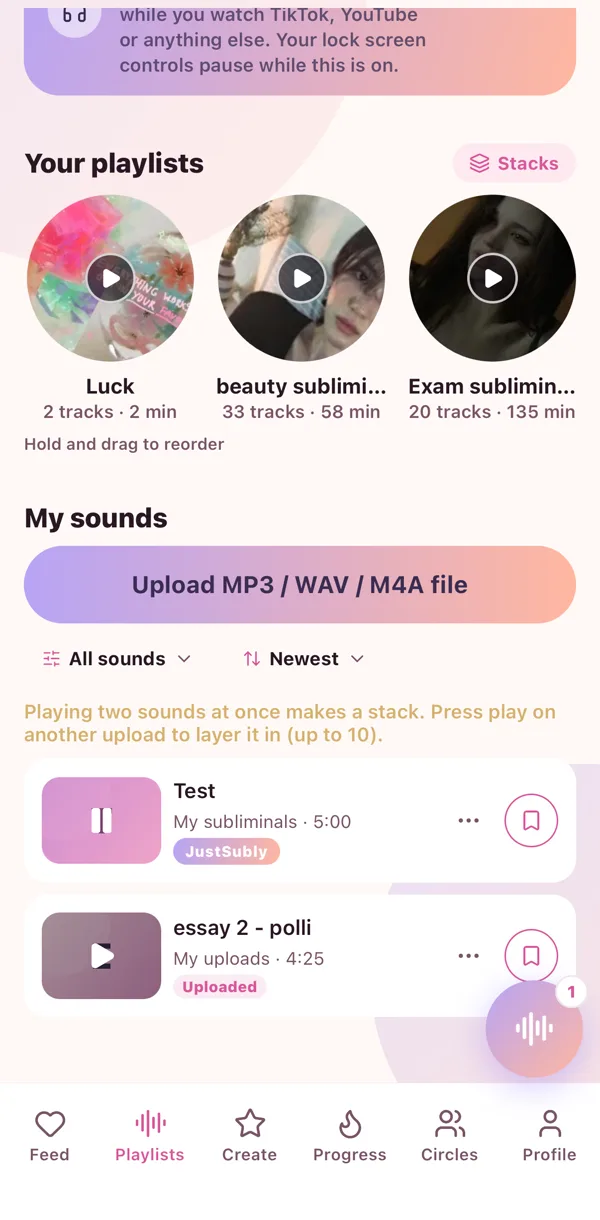
Press play anywhere and a little player appears at the bottom. It follows you around the app, so you can scroll the feed or chat with your circle while your sub plays.
The mini player
Tap it to open the full player. Drag it if it is in the way. Tap the X when you are done.
The buttons
Play, pause, skip 15 seconds either way, next and previous when a playlist is on, and a speed control for your own sounds. Shuffle and repeat live here too.
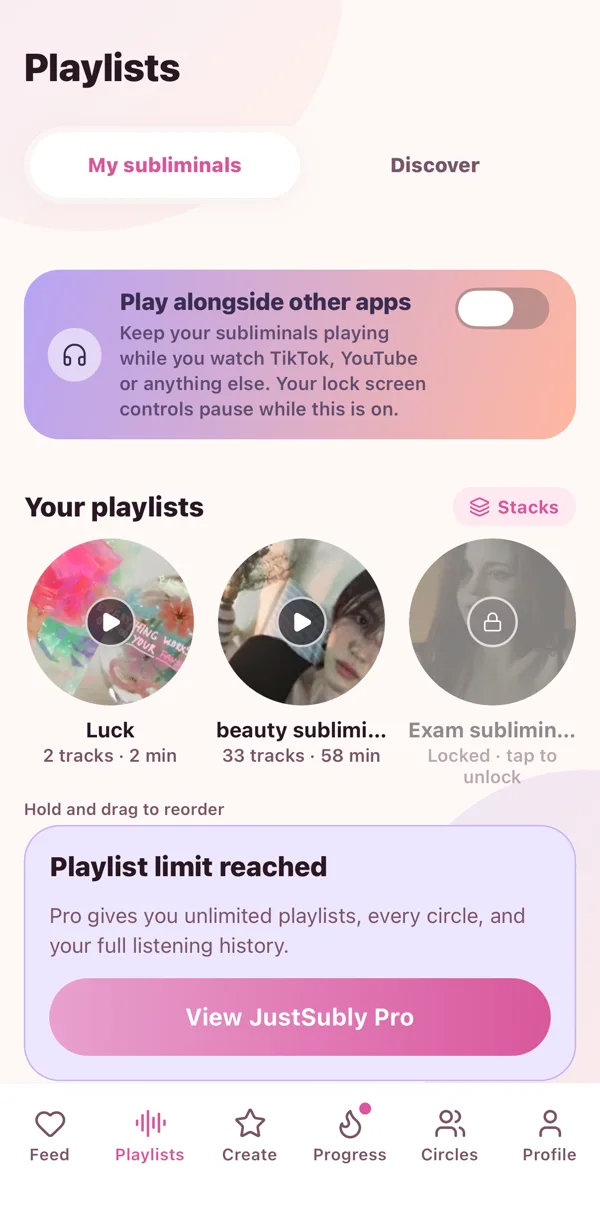
Play alongside other apps
This one is the favourite. Right at the top of the Playlists tab there is a switch called Play alongside other apps. Flip it on and your sub keeps playing while you scroll TikTok, watch YouTube, or do literally anything else.
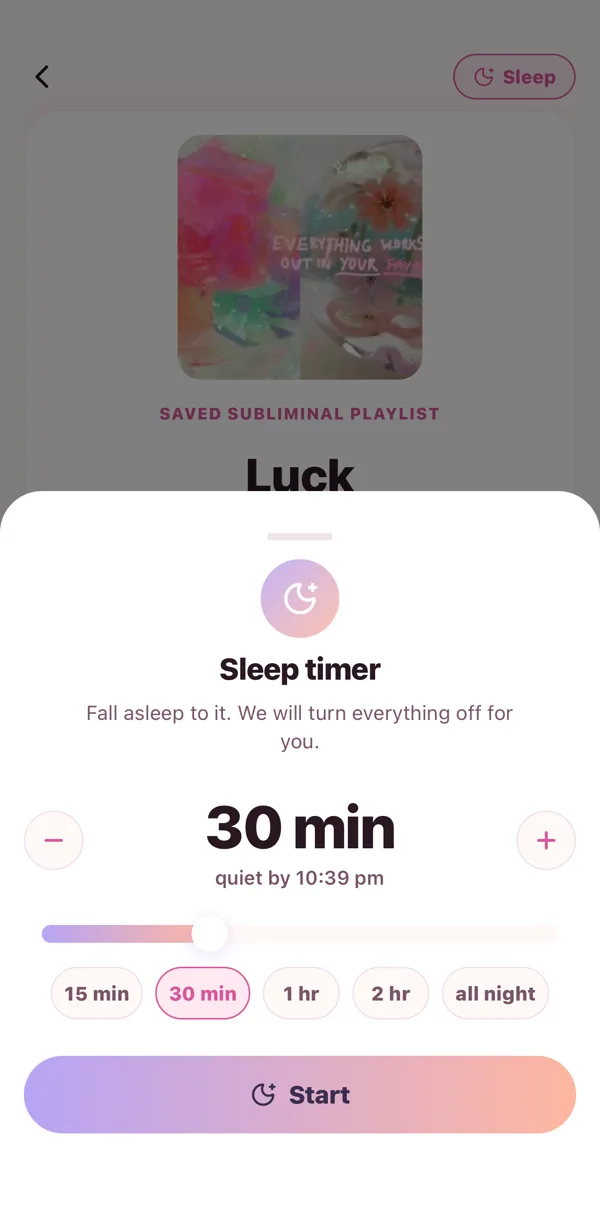
Sleep timer
Tap the moon to set one. See Sleep timer.
 🌙
🌙 🧁
🧁 🔥
🔥