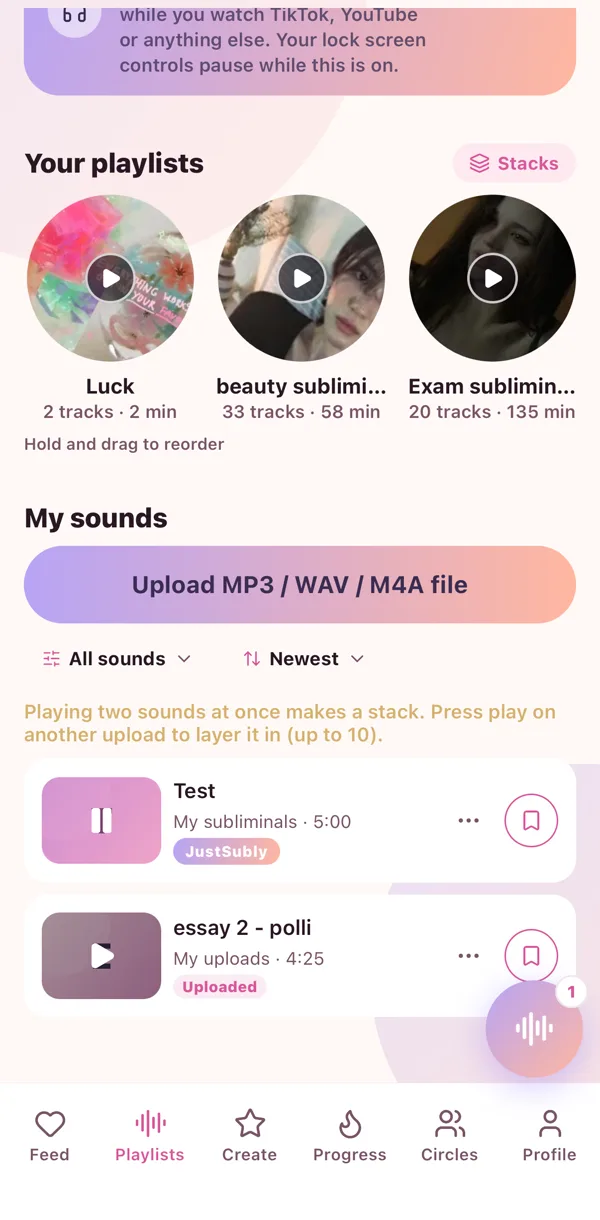
A stack plays more than one sound at the same time. A whispery sub under rain, two subs for two goals, an affirmation layer over music. Every layer has its own little controls.
Build one
- Go to My sounds and press play on a sound.
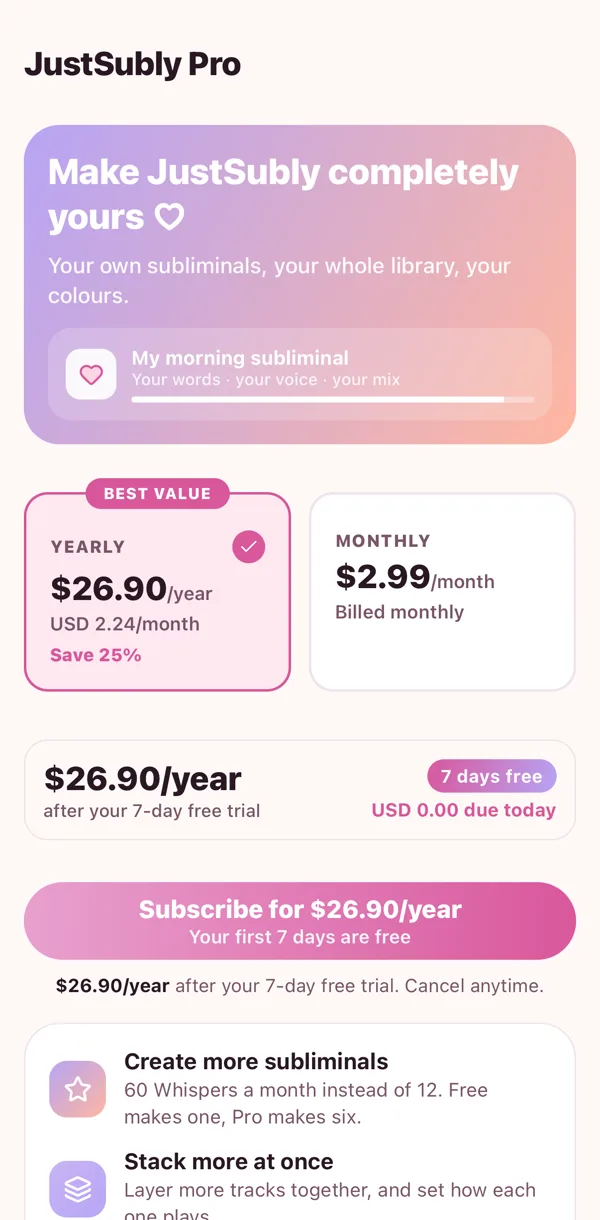
- Press play on another one. With Pro it layers on top instead of taking over.
- Keep going, up to ten layers.
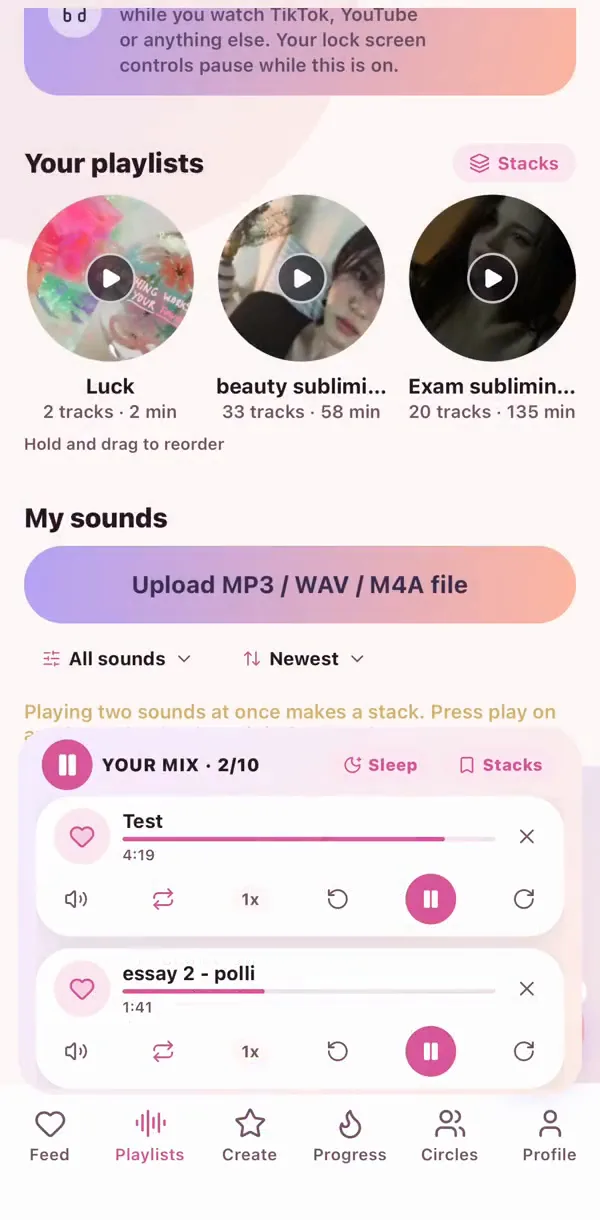
Each layer
Play or pause just that one, loop it, change its speed, turn it up or down, or take it out. The big button at the top plays everything together.
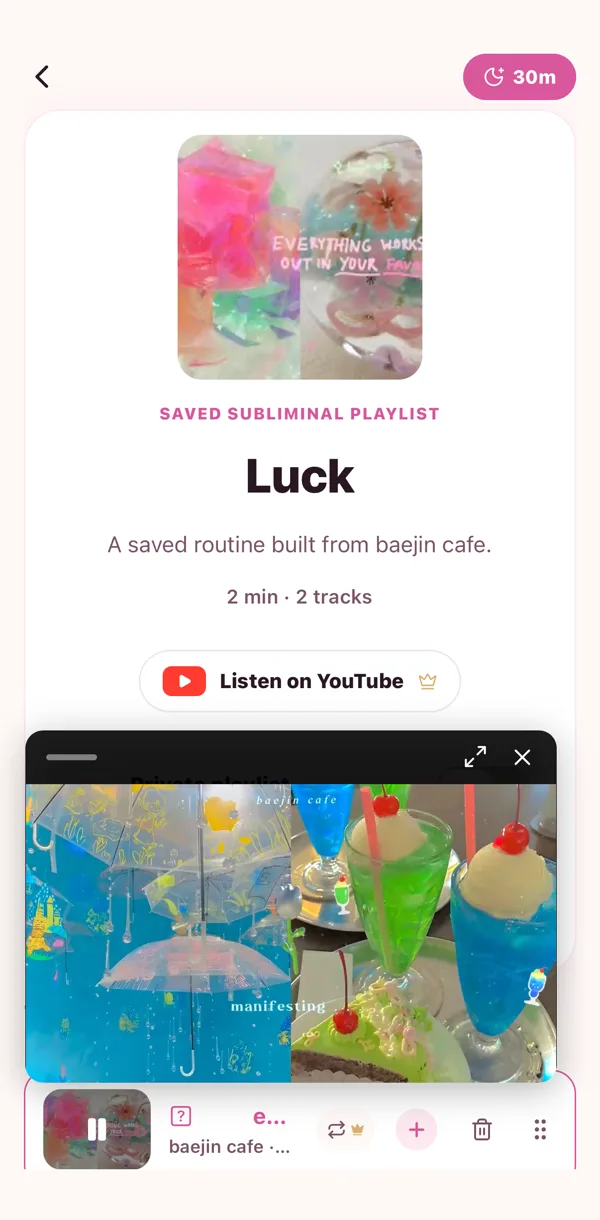
Tuck it away
Minimise the stack into a little bubble you can drag around the screen. Tap the bubble to bring it back.
Save it
Name your stack and save it, then load it in one tap tomorrow night.
 🎙️
🎙️ ▶️
▶️ 🌙
🌙 👑
👑