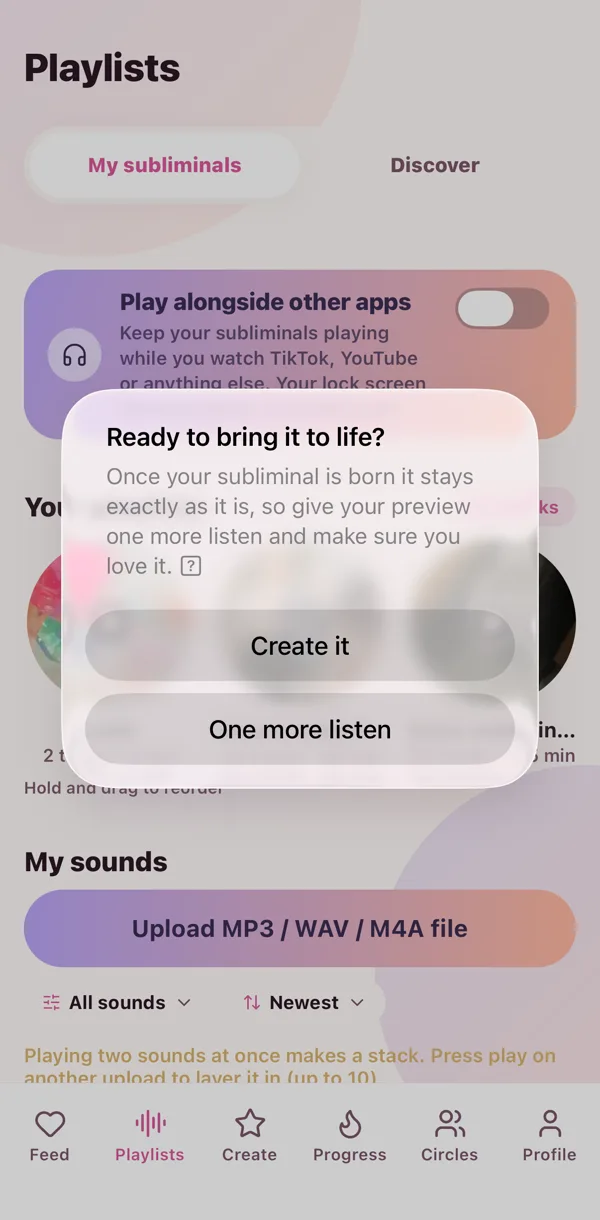
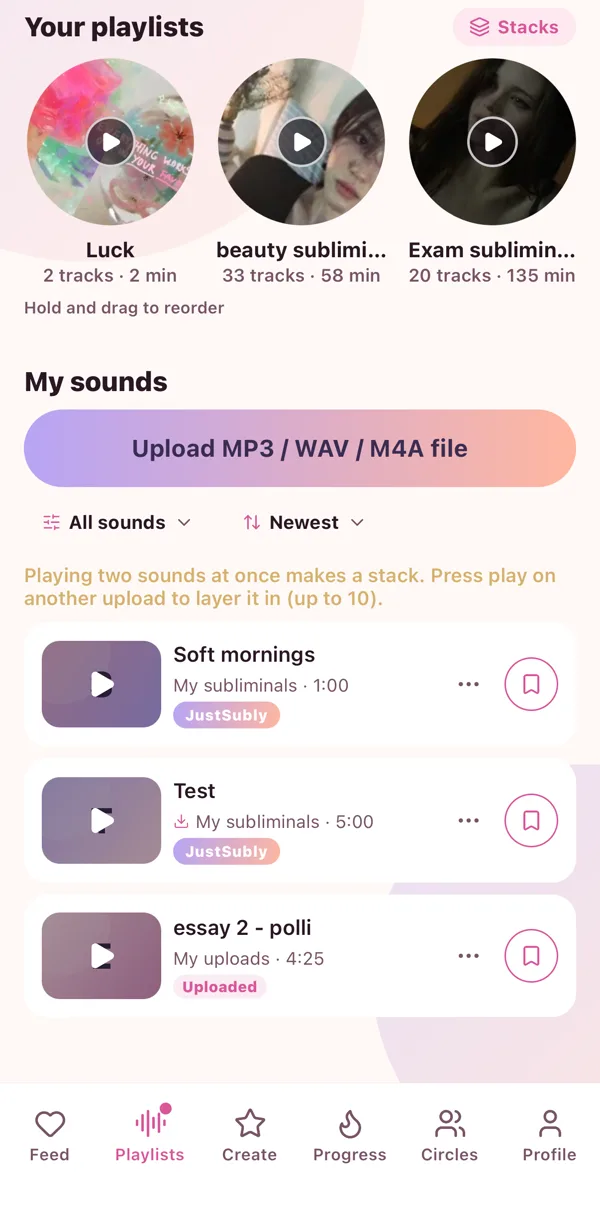
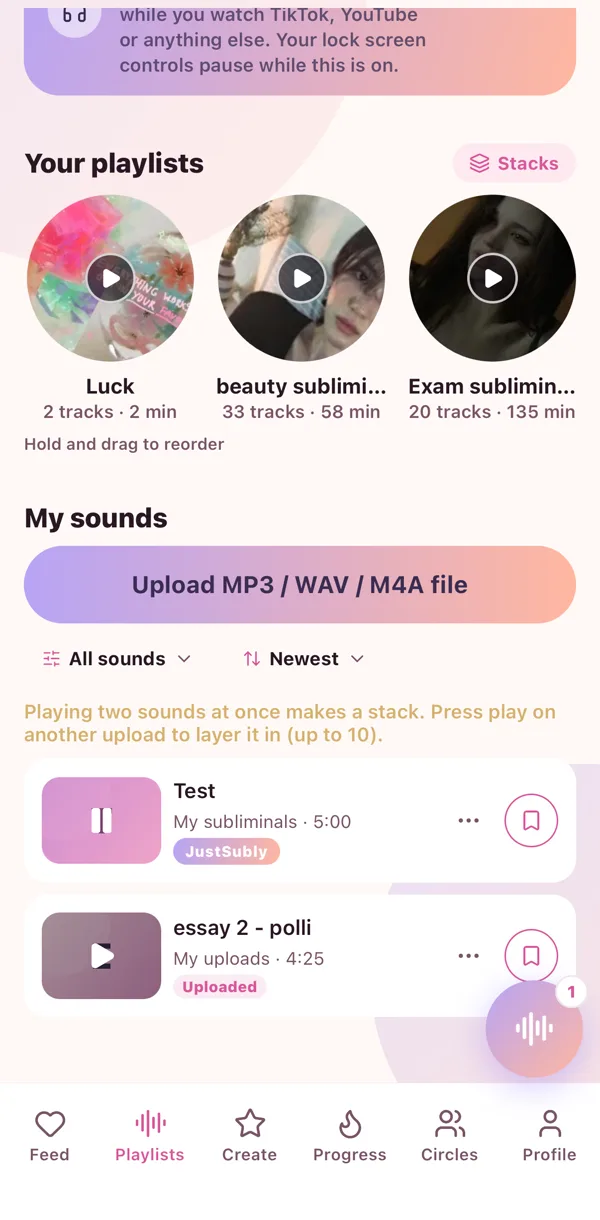
My sounds is your own little vault. Subs you bought, subs you made somewhere else, your own voice, and everything the Sub Maker makes for you.
Upload
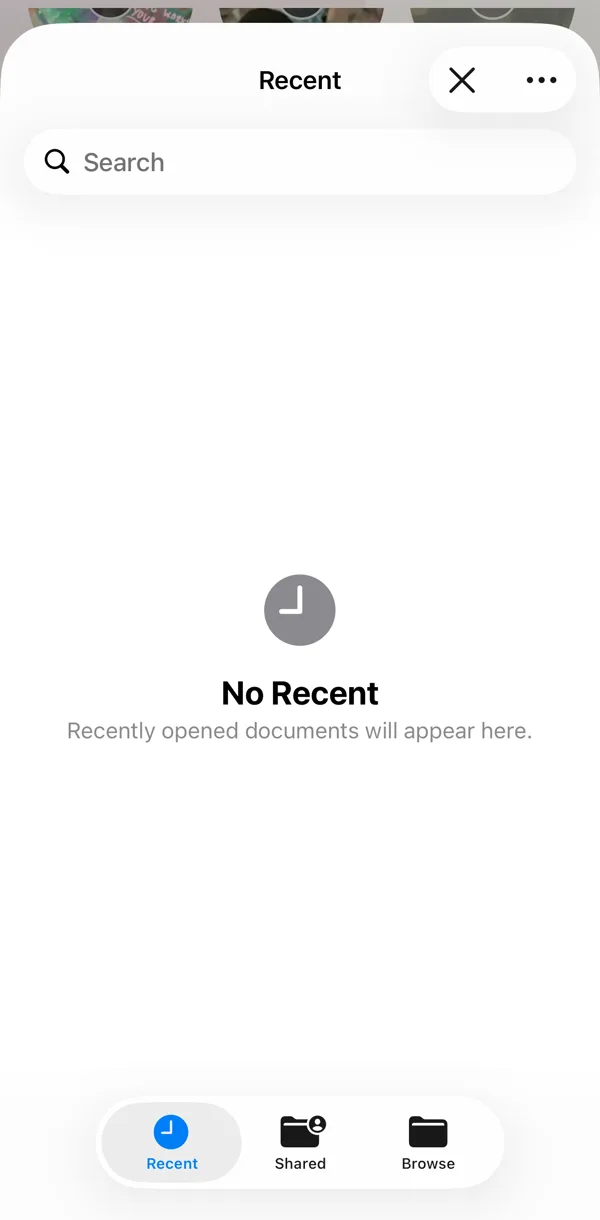
- Go to Playlists, then My sounds.
- Tap Upload.
- Pick the file. MP3, WAV or M4A all work.
Your own sounds play with the screen off, and the lock screen gets the controls.
The little menu
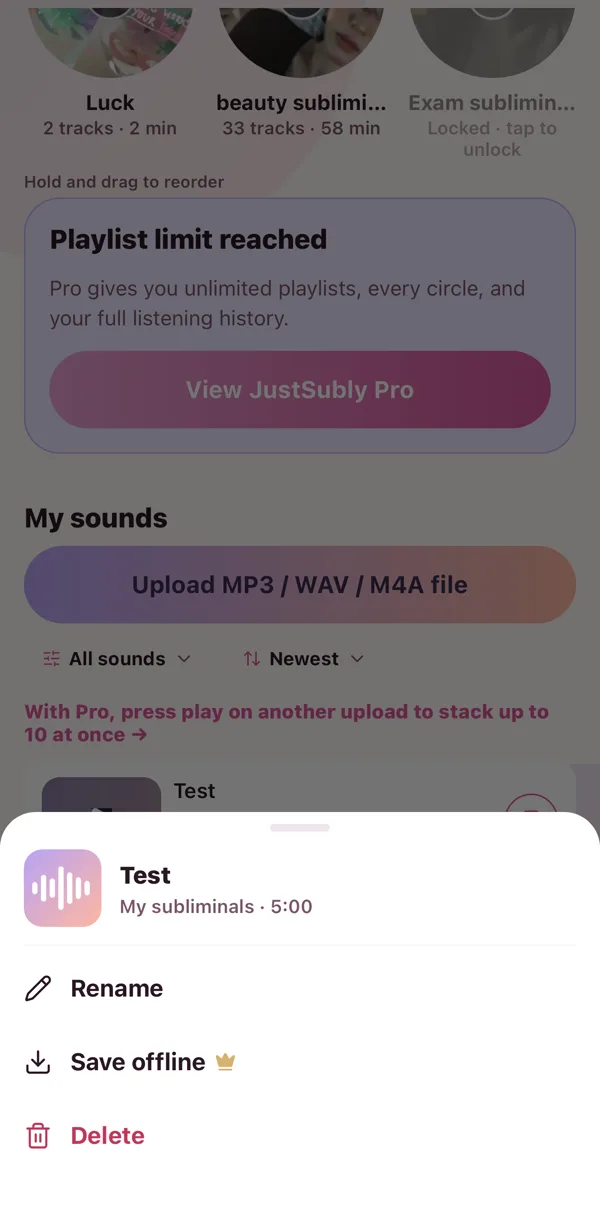
Every sound has a little menu: rename it, save it offline, or delete it. The bookmark next to it drops it into a playlist, and pressing play on a second sound while one is playing starts a stack.
Offline
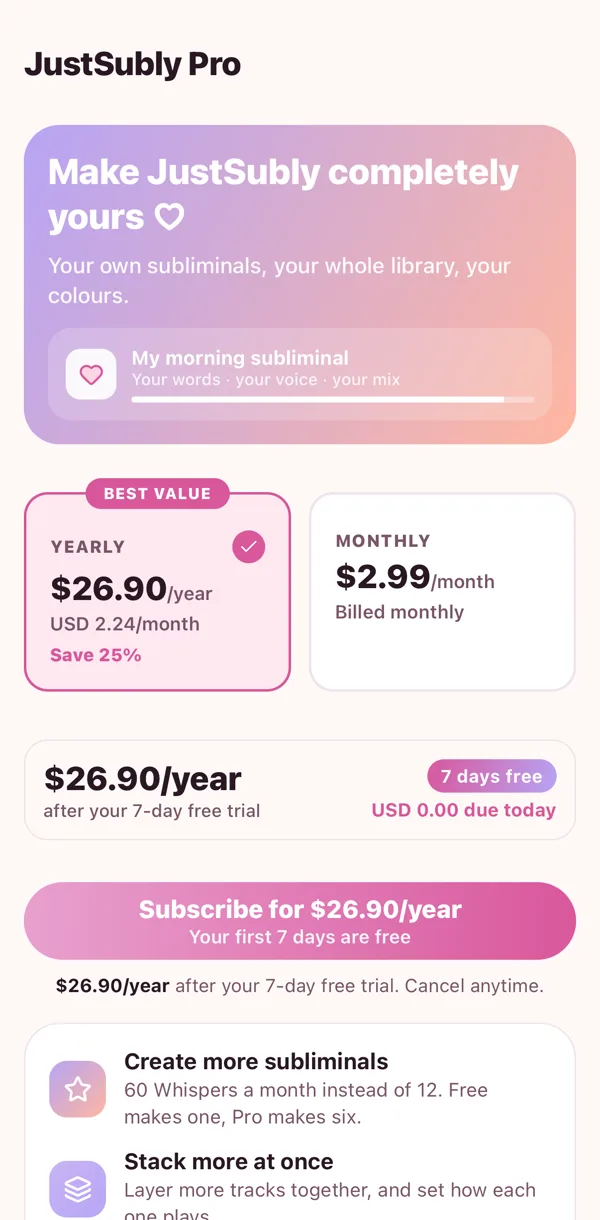
With Pro you can save any of your own sounds to your phone, so no signal, no problem. Plane, train, that one cafe with no wifi.
 🧁
🧁 🪄
🪄 ▶️
▶️ 👑
👑