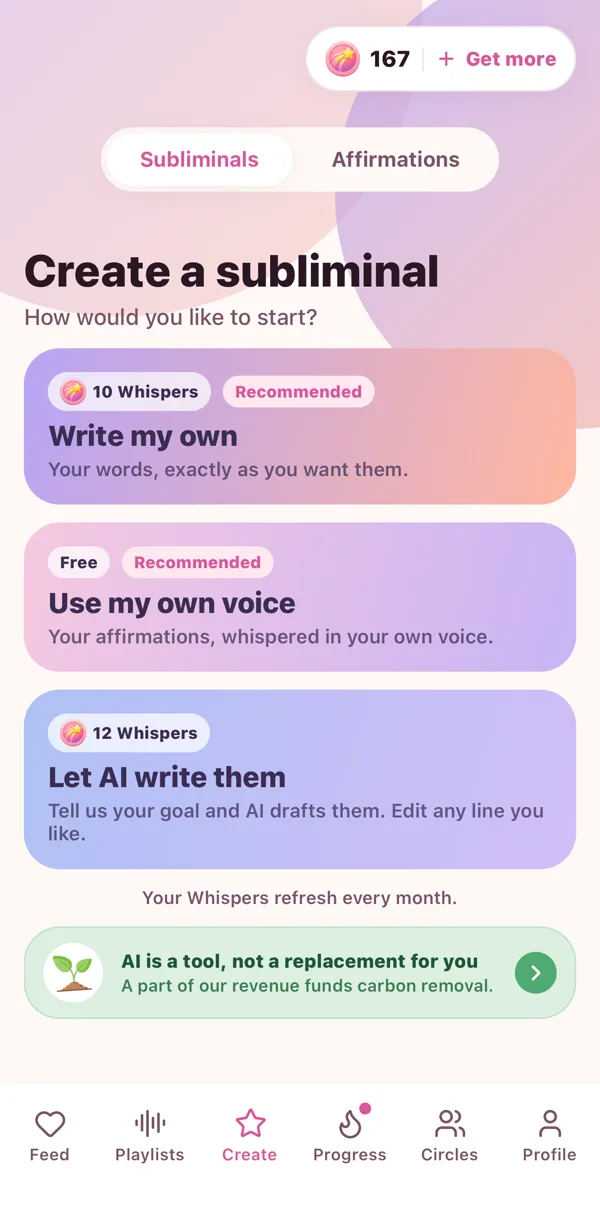
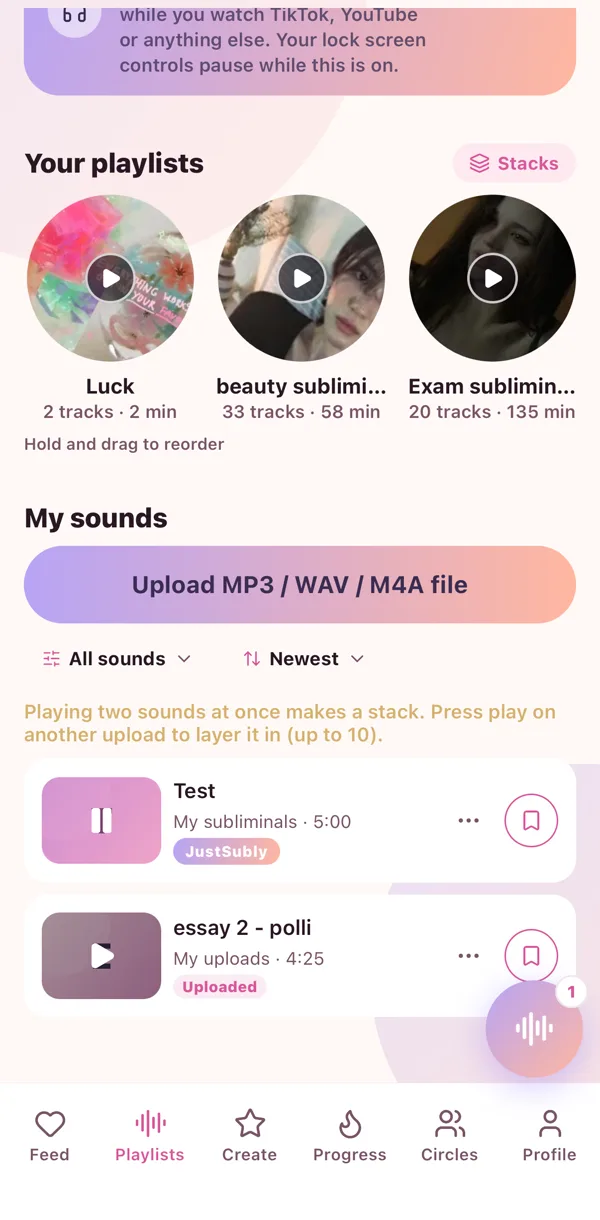
The Sub Maker turns words into a real sub without leaving the app. You pick the words, the voice, the sound underneath and how long it runs. It lands in My sounds ready to play.
Start with words
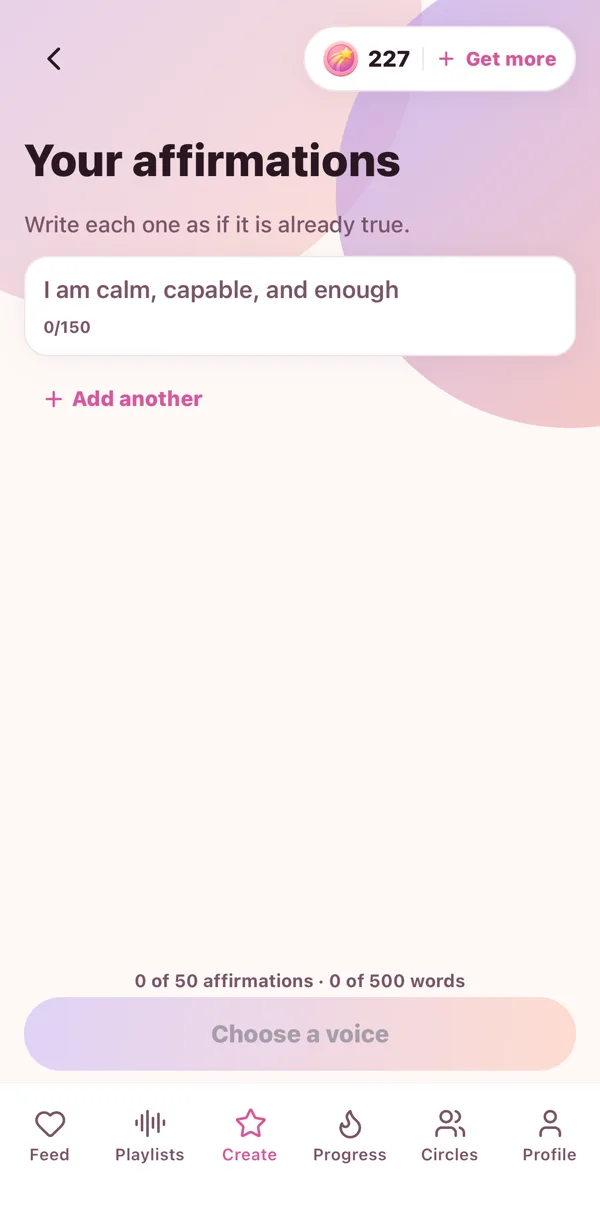
- Write them. Type your affirmations, one per line.
- Say them. Upload a recording of your own voice.
- Let AI draft them. Tell it your goal and pick a tone, gentle, confident, powerful or natural. Then edit any line you like.
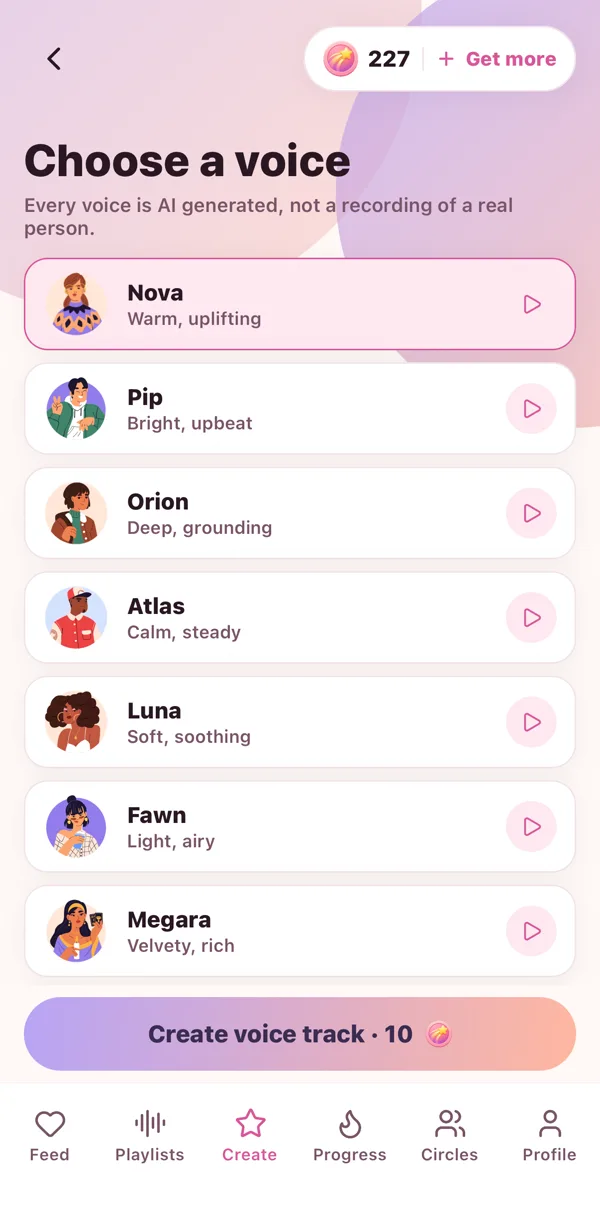
Pick a voice
Ten voices, and you can hear each one say your words before you choose. Nova, Pip, Orion, Atlas, Luna, Fawn, Megara, Krystal, Mira and Aya. Everyone has a favourite.
The studio
This is the fun bit.
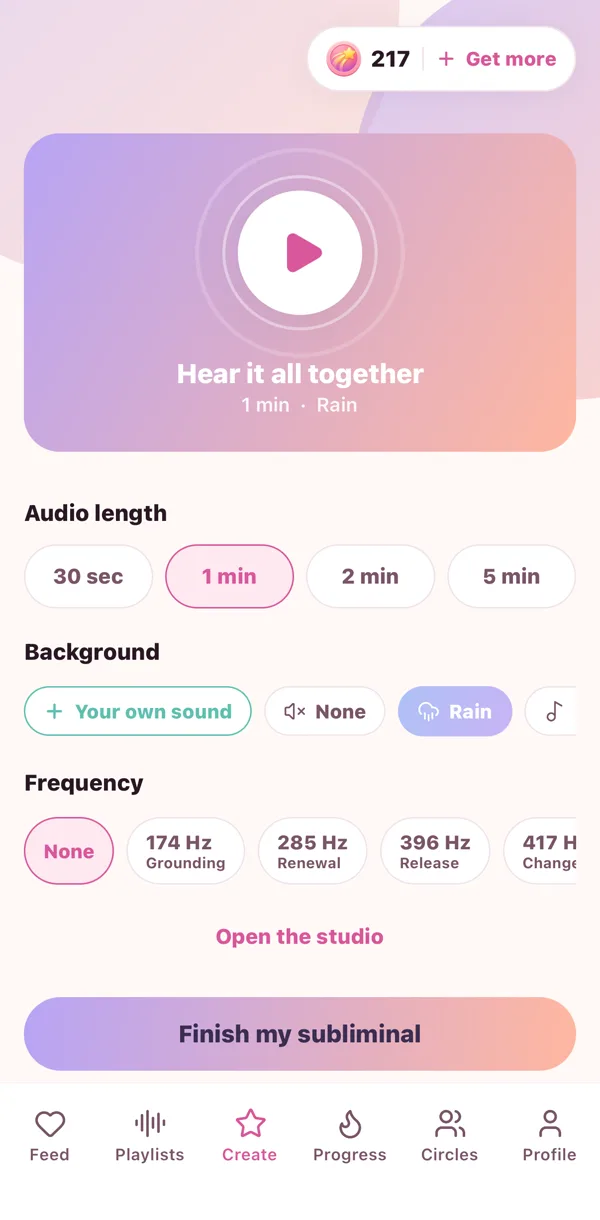
- Choose how long: 30 seconds up to five minutes.
- Pick a background sound, rain, waves, or upload your own.
- Add a frequency if you like one.
- Tap Hear it all together and listen to the whole thing.
- Want more control? Open the studio and drag your layers along the timeline, set how loud, how fast, and how much echo.
Make it
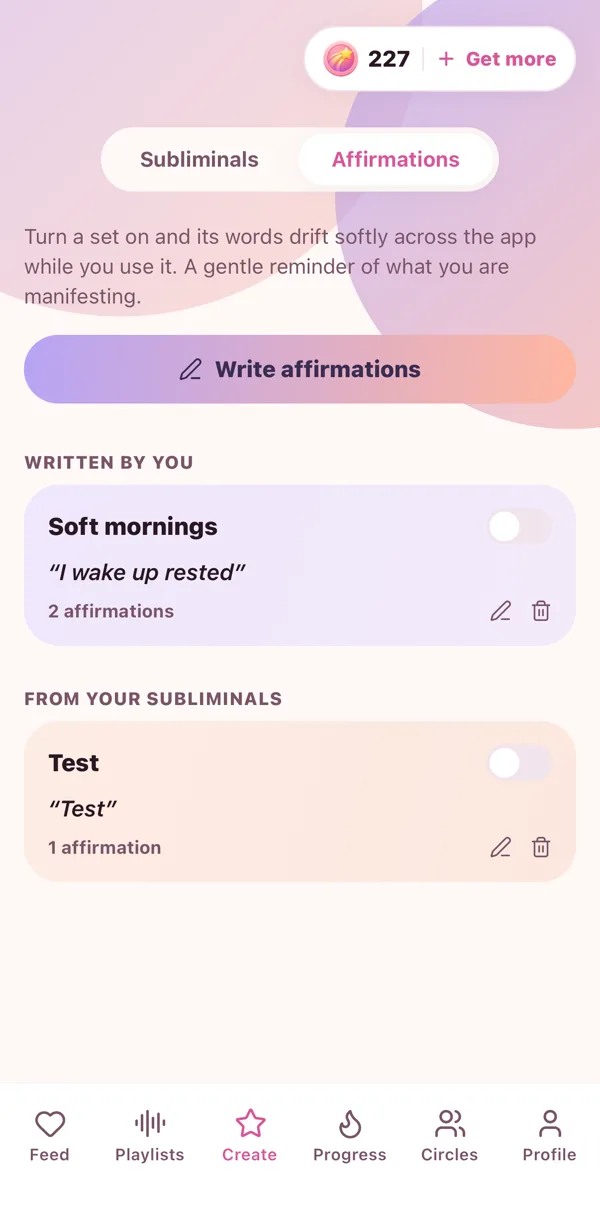
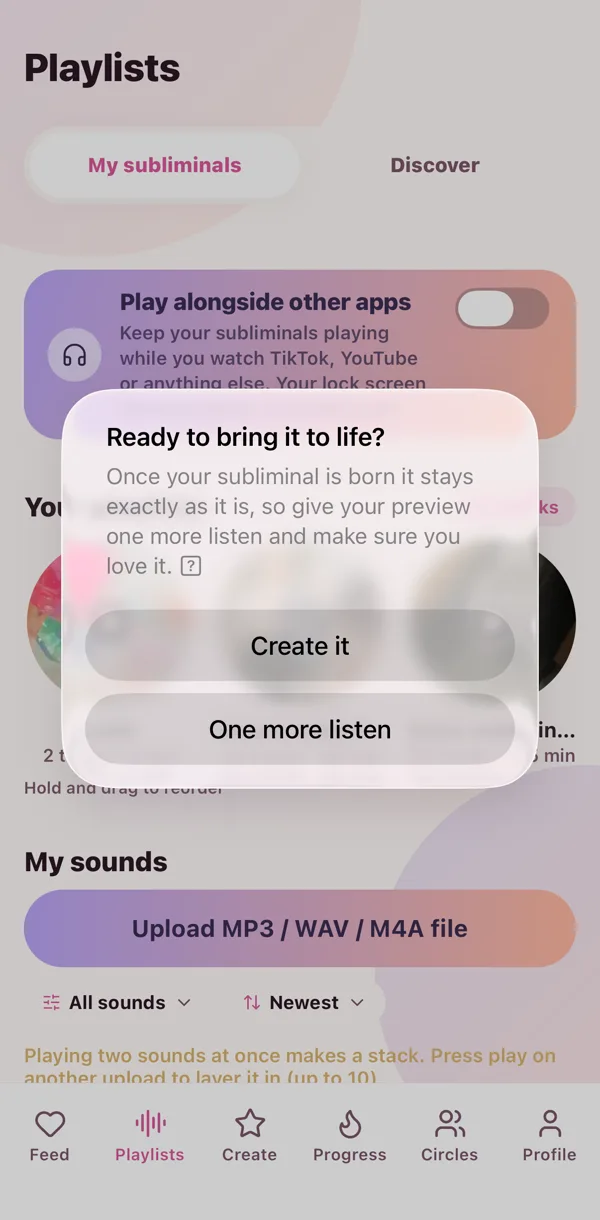
Tap Make it and go do something else. When it is ready you get a little ping, and your sub is waiting in My sounds. The words are saved as an affirmation set too, so you can turn on affirmation rain with them.
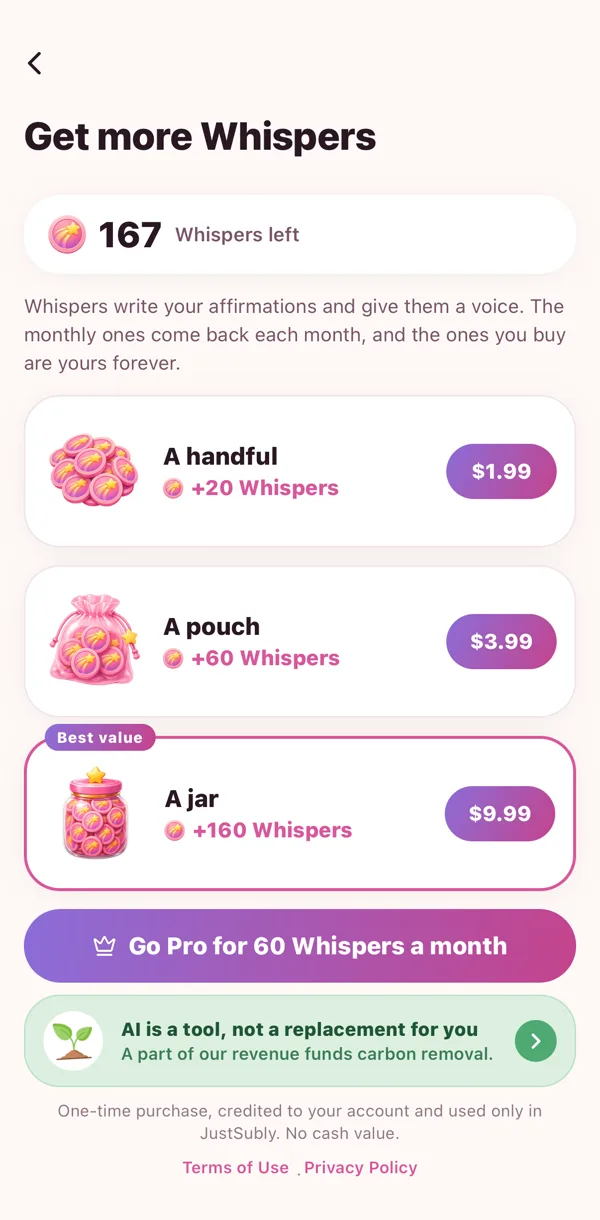
Making costs a few Whispers, which is the app's little currency.
 🌧️
🌧️ 💫
💫 🎙️
🎙️ 🧁
🧁