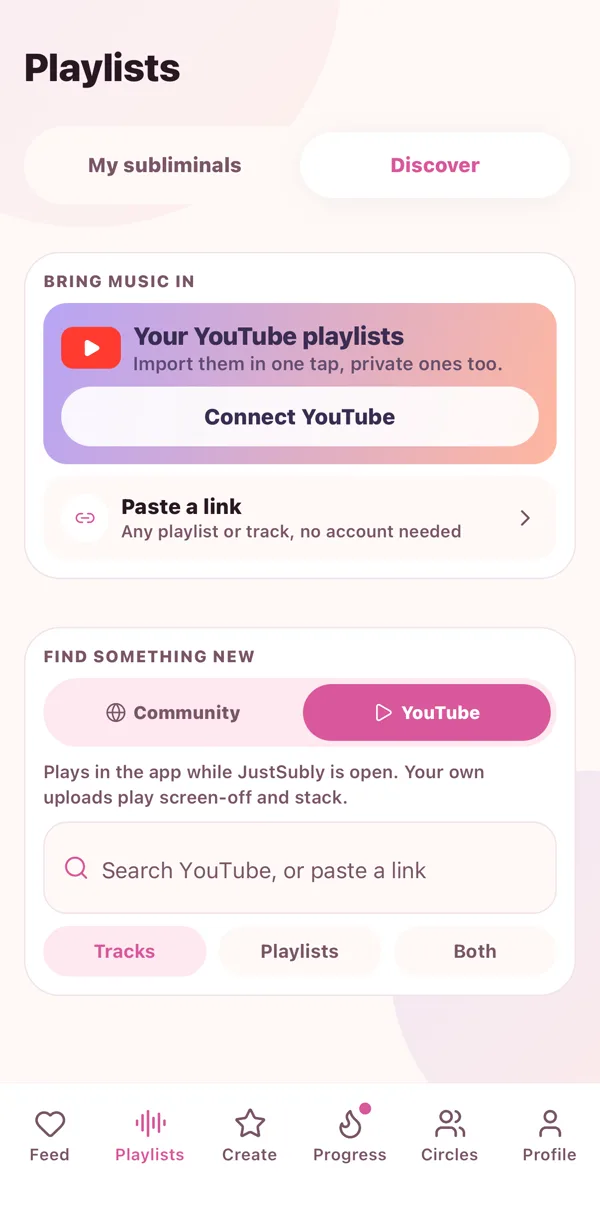
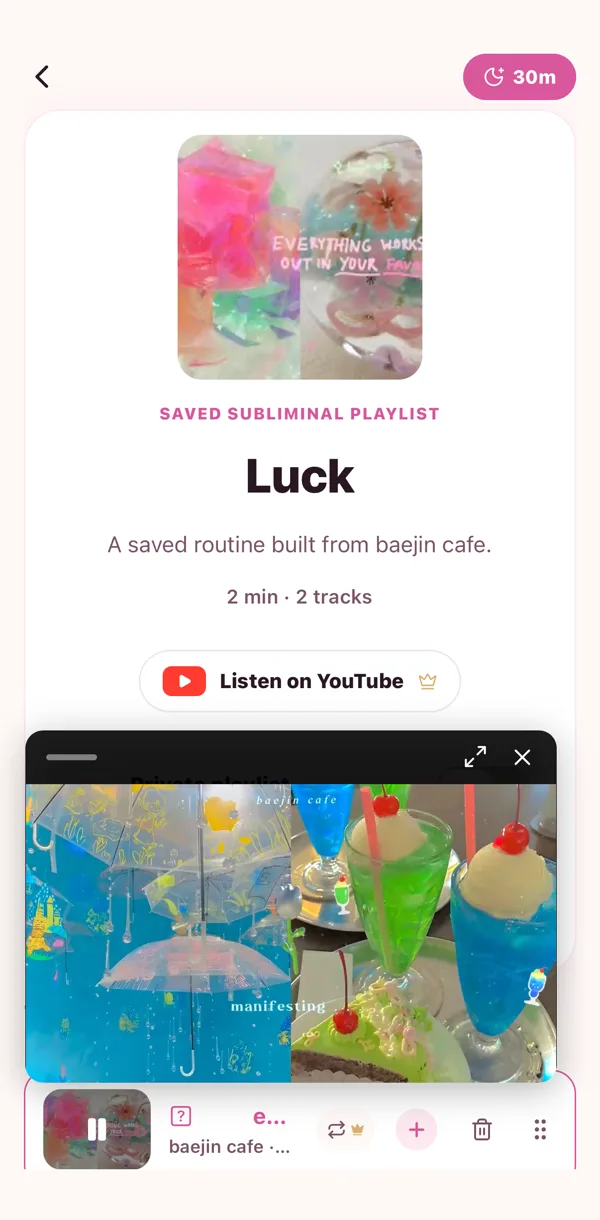
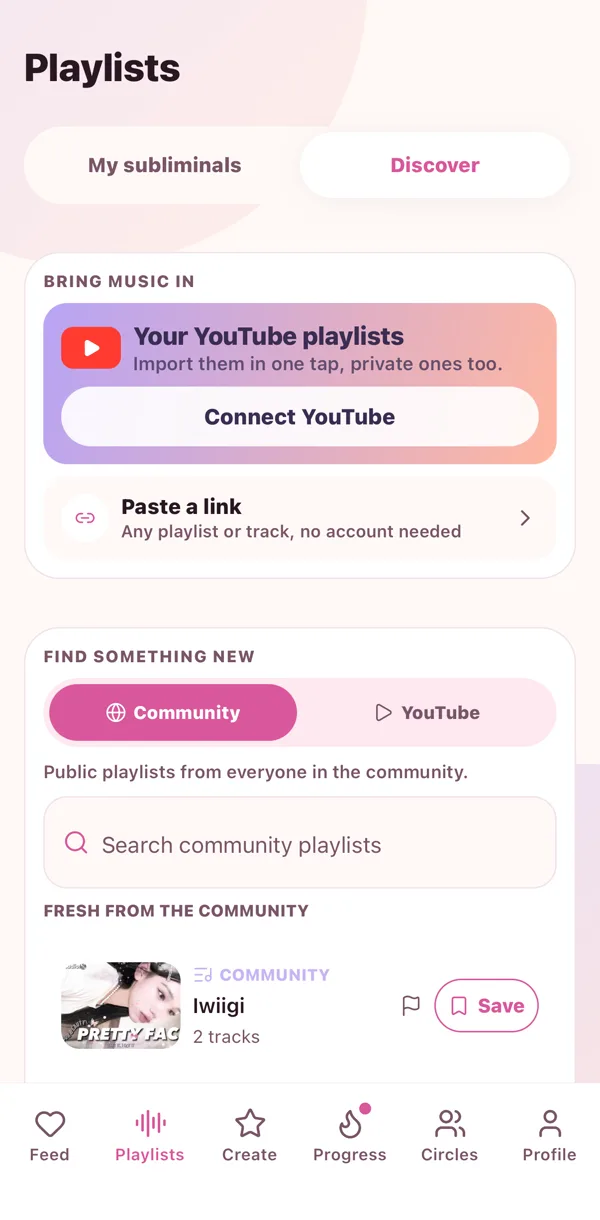
Most subs live on YouTube, so YouTube lives in the Playlists tab. Search it, play it, add it. The video plays right there in the app and your minutes count the whole time.
Search
- Go to Playlists, then YouTube.
- Type what you want. "sleep sub", "glow up", a creator's name, anything.
- Tap a result to play it now, or tap the plus to drop it into a playlist.
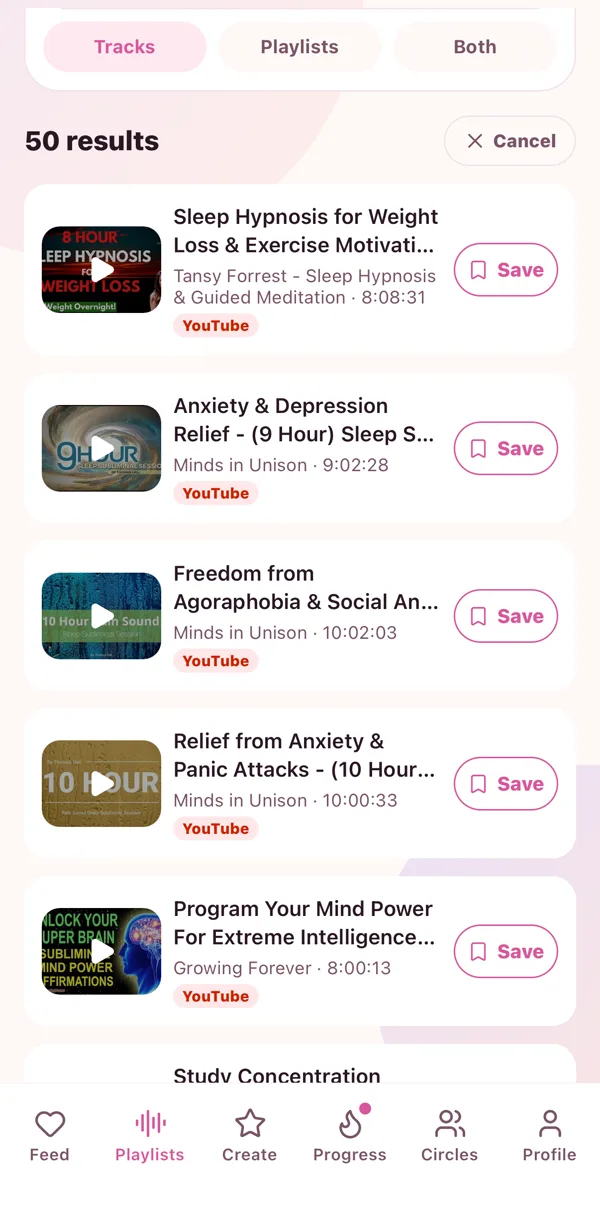
Your recent searches wait under the box so you can tap them again tomorrow.
Paste a link
Copy a YouTube link anywhere, come back, paste it in the search box. A video link opens that video. A playlist link opens the whole playlist so you can peek before you add.
Grab a whole playlist
Open a YouTube playlist result and tap Add all. Rename it if you like, and it becomes yours in one go.
 🎧
🎧 ▶️
▶️ 🫶
🫶